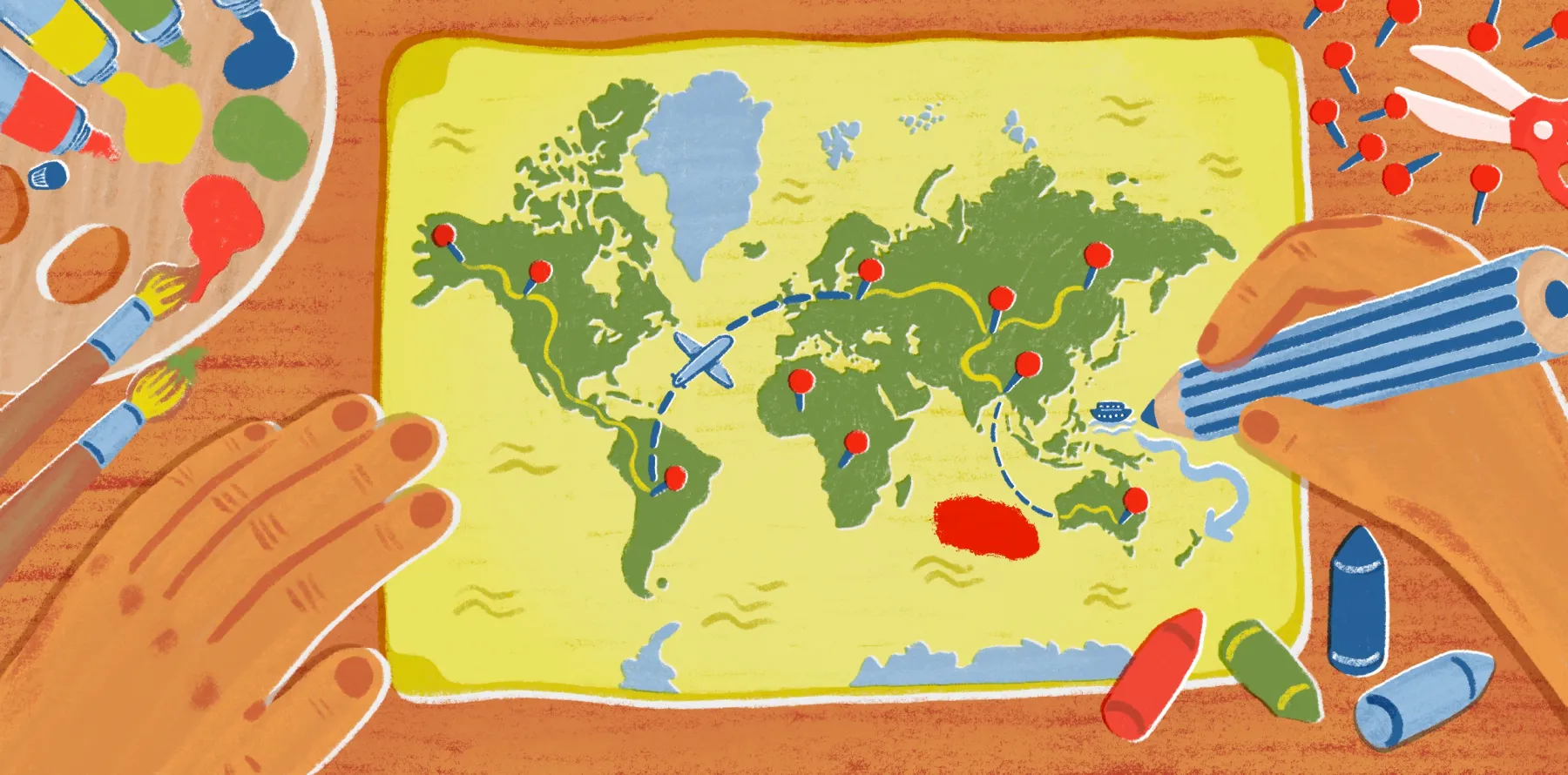
Interactive map examples and ideas that will bring your data to life
Maps don’t have to be boring visuals that people glance at and scroll past. Interactive maps, for example, invite you to click and filter information so you can engage directly with the data. This hands-on experience makes complex datasets easier to digest and apply to real-world decision-making.
Keep reading for interactive map ideas to draw inspiration from, along with tips for using Felt’s cloud-native mapping software.
What is an interactive map?
An interactive map is a digital map that invites participation. Users can zoom, pan, and click on different elements to uncover deeper insights. Building this interactivity involves web-based tools that combine geographic data with design.
A website map is one version of an interactive map. Unlike static maps, such as JPEGs, web maps leverage GIS and enable live exploration of the data. Here are some types of web maps you might be familiar with:
- Base: Maps that show essential geographic features, such as roads and boundaries.
- Topographic: Maps that use contour lines to illustrate changes in terrain.
- Thematic: Maps that visualize a theme or dataset like population density.
- Choropleth: A thematic map that uses color shading to represent data values.
- Point: Maps that use distinct markers — points — to show geographic locations of data.
- Heat: Maps that display data density and intensity using color gradients.
- Story: Maps that are narrative-driven, combining text and images with geographic data.
- Flow: Maps that reveal movement between locations using lines or arrows.
- Real-time: Maps that update automatically whenever new data becomes available.
- GIS: Advanced web maps that look at spatial relationships within multiple data layers.
- Navigation: Maps that provide directions, traffic conditions, and real-time routing.
- Tiled: Maps that use pre-rendered image tiles — raster or vector — for smooth zoom and panning.
10 examples of interactive maps
The following interactive map examples show how data comes to life across industries. Each case study demonstrates how interactivity can reveal patterns that static maps often hide.
1. Business development opportunity areas
This map shows parcels in business-friendly General Plan areas and Downtown Oakland incentive zones. Users can explore sites suited for different types of development, from commercial and mixed-use to industrial or office projects. Each parcel includes details that make it easier to identify opportunities and imagine potential developments, whether that’s a condo with ground-floor retail or a single-story storefront.
Industry: Cities and government
Map type: Thematic
2. Energy dashboard
This interactive dashboard allows users to track renewable energy sites, active natural gas wells, and well permitting time series — drawing on data from any connected database. In addition to energy infrastructure, the map includes natural features like tectonic boundaries throughout much of Pennsylvania and New York.
Historical imagery from the National Agricultural Imagery Program (NAIP) also appears in the map so you can visualize changes and analyze temporal trends.
Industry: Energy
Map type: Point
3. Pre-K access and funding
This map analysis comes from First 8 Memphis (F8M) — a nonprofit supporting early childhood education. It shows where Pre-K programs are available across census tracts and zip codes, with a focus on services for 3- and 4-year-olds. The map also includes funding sources and local socioeconomic data to provide additional context. Looking at these layers together reveals where new programs are needed, as well as where targeted investments could have the biggest impact.
Industry: Cities and government
Map type: Choropleth
4. Sales performance dashboard
This point map tracks and measures sales performance in six U.S. territories and visualizes key data points tied to each location. The dashboard includes four product categories: electronics, home essentials, fashion and apparel, and health and wellness. You can apply filters to compare revenue by region, number of orders, and total sales. This data helps teams identify high-performing areas and make decisions to optimize their sales strategy.
Industry: Sales
Map type: Point
5. Risk index explorer
This map example shows how natural hazards affect counties across Texas and Louisiana. Each county includes data points tied to annual losses and vulnerability, letting users visualize structural and agricultural risk. The map also includes community resilience data, which offers a clear view of regional exposure. Insurers and policymakers can use this information to plan mitigation efforts and decide where to focus resources.
Industry: Insurance
Map type: Thematic
6. Commercial shipping routes
This interactive world map looks at commercial shipping activity, helping users understand global trade patterns. The underlying raster dataset was a collaborative effort between the World Bank and the International Monetary Fund (IMF). It provides a reliable view of shipping density across major routes. This data makes it easy to explore trade hotspots and examine regions in more detail.
Industry: Shipping
Map type: Flow
7. Milan architecture virtual tour
This map of Milan offers an in-depth look at some of the city’s most impressive architecture. While celebrated as a global fashion capital, it also boasts a mix of historical landmarks and contemporary buildings that push design boundaries. ArchDaily’s guide provides an interactive tour of several iconic sights — showing how centuries of history and modern innovation can coexist. Users can hover over buildings and explore design details.
Industry: Architecture
Map type: Thematic
8. Construction site plan
This GIS-based map shows local access points, parking areas, and lot boundaries for a construction site in Oakland. Within this map are marked entrance and egress points, where vehicles and equipment can move on and off the site. There are even designated parking areas to accommodate anticipated demand. Lot size and boundaries round out the view and outline the available areas for construction and site planning.
Industry: Construction
Map type: GIS
9. Community redevelopment plan
This zoning map supports urban planning and community redevelopment. It brings together zoning overlays, existing infrastructure, and designated development areas in a single view, so it’s easy to spot parcels best suited for acquisition.
By centralizing this data, the map supports informed investment decisions and reduces uncertainty during site evaluation. This helps teams move from analysis to action with faster, more efficient planning cycles.
Industry: Real estate
Map type: GIS
10. Stages of the Tour de France
This interactive map features 2023’s Tour de France. It pulls in route data, elevation models, and highlight videos from every phase of the course that year. Users can follow the competition by exploring climbs and terrain changes, or reliving key moments through integrated video content. The map becomes a truly immersive and engaging experience thanks to these elevated visual elements.
Industry: Sports and media
Map type: Topographic
How to draw an interactive map on Felt?
With Felt, you can create, customize, and share data-driven maps in three easy steps.
Upload your data
Import your data to Felt using common file formats like CSVs, spreadsheets, or GeoJSONs. You can also connect to live data sources if your map requires real-time updates. Felt will automatically plot locations and organize your geospatial files into data layers.
Style your data
Use the Style Editor to adjust colors, icons, and labels so the map feels more engaging. You can layer in basemaps from Felt’s library or add your own custom text and shapes directly to the map. To make things more interactive, try adding pop-ups with images and videos or dropping in simple annotations using the toolbar.
Share your map
When your map is ready, you can share it in just a few clicks. Felt lets you publish maps, invite collaborators, or generate shareable links and embeds. This way, it’s easy to present your work to stakeholders and collect their feedback so your whole team stays aligned.
Create a map in seconds with Felt
Felt is the first cloud-native GIS software built for interactive maps, data visualization, and boundary analysis. With Felt, you can create maps in seconds and produce polished visuals without relying on complex workflows or technical expertise. Not to mention, Felt makes collaboration effortless. You can invite teammates and work alongside clients or customers in real time to streamline communication.
Book a demo with Felt and experience the power of interactive maps for yourself.
Compare Felt using AI