.png)
GIS in urban planning: How real teams move beyond legacy systems
Cities are complex systems, thriving with people, places, and infrastructure. They generate huge volumes of spatial data every day, from roads and transit routes to population patterns and green spaces.
That geographic dimension influences urban planning decisions, and a single choice affects how different parts of the city interact. For example, constructing a new road changes commute patterns for workers and delivery fleets.
Geographic information systems (GIS) contextualize geospatial data by connecting static maps and visualizing spreadsheets. This helps urban planners make confident choices that improve cities for years to come.
In this guide, you’ll learn how to use GIS in urban planning and what benefits to expect.
Why is GIS important in urban planning?
Urban planning is about understanding how a city currently works before deciding how it should grow and where to invest for the future. GIS gives planners a clearer view of needs, risks, and opportunities by turning spatial data from cities into context-based maps. Here’s how:
- Understanding current city needs: GIS helps you study patterns across land, infrastructure, and population during a community needs assessment. With dedicated software, it’s easier to see where concentrated growth is, where services are falling short, and which areas need closer attention.
- Making decisions with data integration: You can combine maps with multiple data sources like satellite imagery, aerial photography, and remote sensing data. This lets you understand conditions with context beyond traditional static reports. GIS allows you to evaluate on-ground realities with what planning documents and policies suggest.
- Evaluating development feasibility: Teams need to understand potential risks and constraints before approving a development project. GIS supports site selection by showing how a location relates to relevant features, like roads, utilities, and nearby communities.
- Improving resource allocation: Cities have limited funding, staff, and infrastructure investment. GIS maximizes spending potential and impact by identifying stronger locations for projects and basing decisions on real spatial demand.
- Assessing long-term impact: Urban growth creates long-term environmental impacts and new infrastructure needs. Before making influential choices, you can use GIS to model sustainable scenarios and measure how different choices impact the city.
What’s GIS used for in urban planning?
GIS supports urban planning by turning development ideas into spatial workflows. Instead of asking whether a project is viable, you can test how a proposal performs in a specific location through visualizations and layers.
For example, you can use geo-mapping to compare several potential sites for new housing development. One site may have public transportation access, while another is closer to existing utilities. A third might look attractive at first glance until you layer in flood exposure, traffic pressure, and distance from healthcare.
GIS makes those tradeoffs visible before you make expensive, near-irreversible decisions. This software also lets you communicate findings visually, so city officials and residents can understand the reasoning behind recommendations.
To see how urbanization analysis supports development workflows, watch Felt’s webinar on accelerating site acquisition in real estate.
4 key applications of GIS in urban planning
A GIS system supports multiple urban planning workflows, connecting policy to real-world physical conditions. Here are four common applications.
1. Land use and zoning analysis
This helps planners understand how land is used and regulated and where policies may need to change. Here are a few common use cases:
- Rezoning reviews
- Land use mapping
- Redevelopment planning
- Public feedback
As an example, teams can compare land use with current development to identify areas where policy no longer matches real-time activity. See this in action with this interactive map:
This map shows a community redevelopment plan, layering future land use designations, parcel boundaries, and transportation infrastructure including bus stops and bike lanes over satellite imagery. It allows planners to communicate their vision clearly and keep stakeholders aligned throughout the process.
2. Transportation planning
Transportation strategy studies how people move through the city and where mobility gaps exist. Here are a few key use cases:
- Transit planning
- Traffic patterns
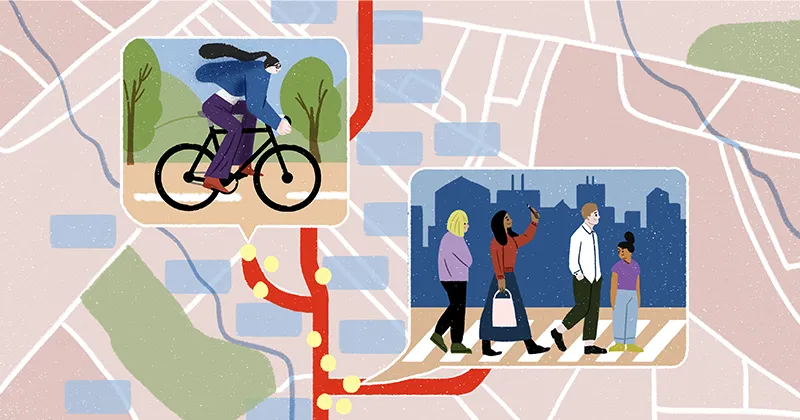
- Pedestrian access
- Bike network planning
A real-world example is proposing a new bus route for neighborhoods with limited transit access. If the route connects more residents to jobs, schools, and services, urban planners have a stronger case for investment.
3. Infrastructure and utilities management
This practice discovers where public assets are and whether existing systems can support future growth. Here are a few applications:
- Asset mapping
- Utility planning
- Maintenance coordination
- Capital project planning
As a practical example, teams can check nearby sewer capacity, road access, and stormwater infrastructure before approving a housing project. If the area lacks capacity, the city can propose upgrades as part of the development plan.
4. Environmental and climate planning
Environmental planning shows how development affects climate and where growth may increase exposure to environmental risk. Here are a few common uses:
- Flood planning
- Heat risk analysis
- Disaster management
- Evacuation plans
- Environment management
- Green infrastructure
- Climate resilience
Teams can compare flood-prone development sites and check surface temperature data in those areas. If one site increases exposure to heat or flooding, the city can move the plan or add green infrastructure to make the project more feasible.
Modern GIS tools in urban planning: Key capabilities
Modern GIS platforms integrate directly with the data infrastructure urban planning teams already rely on, connecting cloud warehouses, live field data, and existing spatial layers into a single environment where analysts, engineers, and city officials work from the same source of truth. Here are several key capabilities.
Collaborative map editing
Urban planning often involves several groups working on the same project. In a typical setting, GIS planners manage the data, while city officials, consultants, and engineers review findings later.
Instead of passing paperwork back and forth, collaborative map editing lets everyone leave comments and review proposed changes directly on the map. It creates a clear record of how a plan evolves and makes the decision-making process easier to track.
Layering multiple spatial datasets
With multiple variables to consider, planning decisions rarely depend on one dataset. These choices produce informed results when you compare different types of spatial data on the same map. For example, a zoning layer may show what’s allowed by policy, but adding demographic data reveals the people a change affects.
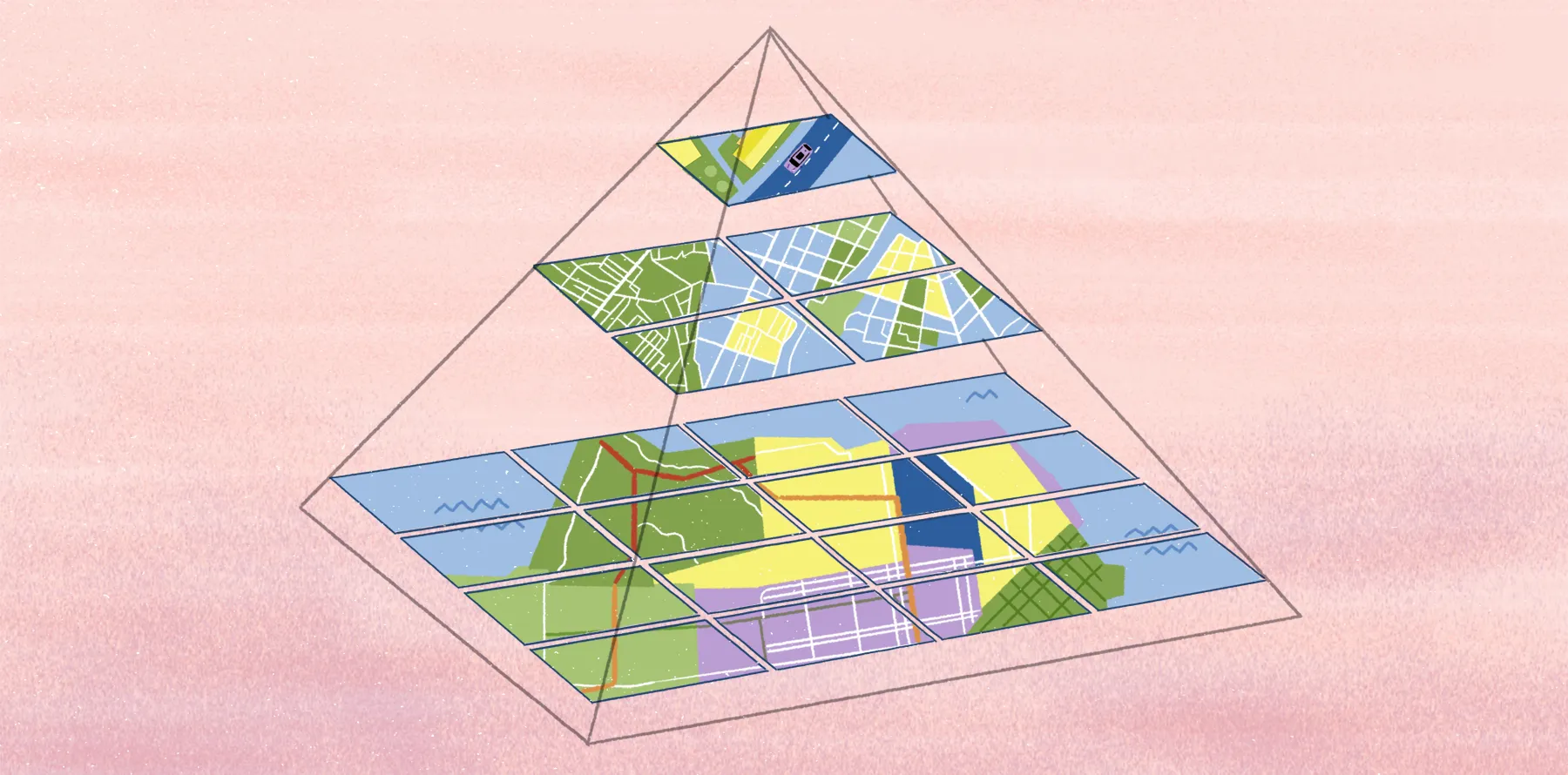
While relationships like these are challenging to see in separate, static documents, GIS tools provide layered views by stacking spatial layers in one map. You can toggle them on and off, compare patterns, and see where different conditions overlap.
Interactive mapping for stakeholders
Urban planning maps need to communicate clearly with people who may not use or fully understand GIS software, like city officials and community members. Interactive maps let stakeholders explore information simply and intuitively — without technical expertise or help from an engineer.
For example, you can share a map that shows proposed development areas with relevant context notes backing decisions. City officials then review the reasoning behind those recommendations, and residents can better understand how the proposal may affect their neighborhood.
Real-time data updates
Many urban planning projects depend on dynamic information. For example, a construction site might suddenly have new constraints, or a demographic dataset may change before a policy review.
Real-time updates keep maps aligned with current conditions, so you can react accordingly. With Felt, you can connect to cloud databases like Postgres, Snowflake, and BigQuery. This allows interactive maps to automatically update — straight from the source.
How teams are replacing legacy tools with modern spatial workflows
A map shows where growth is, but GIS workflows help people understand what that growth means for the city’s infrastructure, public services, and long-term planning priorities.
Web-based GIS platforms like Felt let teams import dynamic data, layer it, and share updates with every key stakeholder. Move beyond static documentation and spreadsheets, and work from living maps that support spatial analysis across departments.
Take city planning further with Felt’s Field App. Collect site observations, document infrastructure conditions, and attach location-based photos in the field, then send the results to office teams in real time.
See how Felt brings urban projects to life by exploring our map gallery. If you want to build your own interactive maps, try Felt free and start turning data into decisions you can defend.
FAQ
What’s the future use of GIS in urban planning?
GIS is moving toward real-time collaboration and AI-powered workflows. In urban planning, teams use GIS to support smart city development, climate resilience planning, and digital twin creation for faster scenario analysis.
What’s urban geoinformatics?
Urban geoinformatics is the use of geospatial data, remote sensing, and spatial analysis to study cities. It helps urban planners understand how city systems work through land use, mobility, and population patterns.
How can GIS help urban planners analyze demographic and environmental data?
GIS can help urban planners study and assess the impact of environmental conditions on different communities. For example, teams can compare population density, income, and age ranges in a flood zone area to see how natural elements affect living conditions. Using this data, planners can propose investment strategies focused on equity and better standards of living.
Compare Felt using AI



.jpg)
.png)