



GIS vs. GPS: What's the difference, and how do they work together?
Global positioning systems (GPS) receive signals and capture locations, while geographic information systems (GIS) gather and visualize spatial data. The terms sound similar, and both manage location-based information and sit inside spatial workflows. Still, they’re distinct pieces of technology. It’s easy to confuse the two, even when you work with location data in your day-to-day work.
GPS tells you where something is, and GIS helps you understand what that location means in context. These systems serve very different purposes, but they’re complementary and frequently used in the same workflows.
In this guide, you’ll learn the difference between GIS versus GPS and practical, real-world examples of the ways they work together.
What’s GIS?
A GIS is software that captures, analyzes, and visualizes spatial data. It connects spatial data with descriptive information, making it possible to see and interact with patterns and relationships.
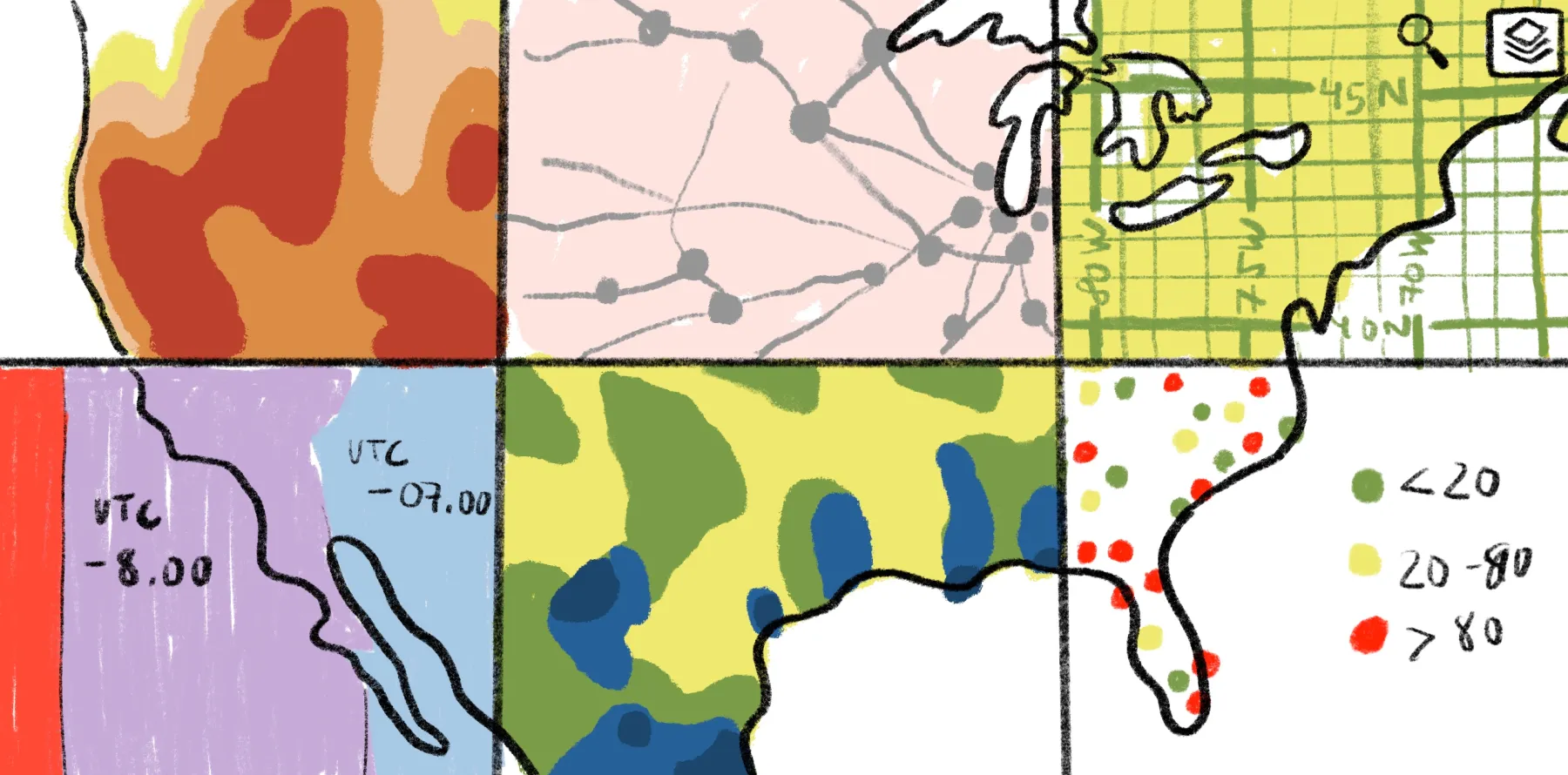
Think about GIS as a system of layers. For example, you can view multiple layers on a single map, like roads, demographics, and flood risk. This gives teams at-a-glance information rather than pouring through spreadsheets.
Modern GIS systems are increasingly web based, which means you can work with shared maps directly in your browser and collaborate across groups. They’re no longer complex legacy tools built for geospatial experts.
In a broader workflow, GPS is often one of the inputs — it captures locations on Earth and GIS combines the coordinates with other layers for spatial analysis.
What’s GPS?
GPS is a navigation technology that determines an exact location by measuring signals from satellites orbiting Earth.
A GPS receiver usually needs signals from at least four satellites: Three determine the receiver’s location in space using longitude, latitude, and altitude, while a fourth corrects for timing error. This process is trilateration — not to be confused with triangulation — because the receiver is calculating position from measured distances to known points rather than from angles.
You can see GPS at work in familiar tools like Google Maps and logistics software that show where people, equipment, and shipments are. However, GPS doesn’t add operational or environmental context to a location. It simply points you toward specific coordinates — it’s GIS that helps you understand what those coordinates are and what they mean.
GIS vs. GPS: Key differences
GIS and GPS work together but rely on different inputs and produce different outputs. Here are their main distinctions:
Let’s take a closer look at the differences.
Purpose and core function
GPS produces results when the question relates to a location, like where a crew or vehicle is. GIS captures the location, puts the data alongside more context, and analyzes what it means.
For example, a field crew uses GPS to find a damaged utility pole. The operations team then uses GIS to see how that pole connects to nearby lines or service areas to understand the impact of the power failure. With this information, they can create an informed outage report and repair plan.
Data types and output
GPS devices produce straightforward, location-based output. It offers positional information that you can attach to a person, object, or route. On the other hand, GIS provides layered data, combining simple coordinates with more information to form a larger picture. Using GPS points, GIS software connects locations to features like risk zones, infrastructure, and service coverage to generate deep, interactive maps.
Real-time vs. analytical
GPS is best when a workflow depends on instant positioning or timing because it uses satellites. GIS compares live data to historical context, making it ideal for monitoring patterns, testing hypothetical scenarios, or explaining why a location changes over time.
For example, a fleet manager uses GPS to see where a group of vehicles is in the moment. Later, they use GIS to compare weeks of route data — including those captured coordinates — and decide how to plan routes for faster deliveries.
Applications
Professionals use GPS when they need to capture a moving object or person in the field, typically without much interpretation at the time. It provides real-time tracking and navigational guidance.
Businesses and planners use GIS to understand the world and make decisions. It lets teams layer and analyze spatial data, then collaborate on a shared view to come to conclusions and decide what to do next.
GPS in GIS: How both technologies work better together
You can get the most out of GPS and GIS data when they’re part of the same loop. Field personnel can use GPS-enabled devices to capture what’s happening on the ground, and GIS turns those observations into visualized workflows.
Modern GIS platforms make the handoff smooth. For example, Felt’s Field App lets you collect GPS field data, geotagged photos, and survey inputs from a mobile device. Then, you can connect those updates into the same Felt environment where your maps and dashboards already are. Everything syncs in real time, and you don’t have to switch between tools.
The Field App works on iOS and Android, and it supports offline map access and data collection. Your team can use it in areas with unreliable connectivity, and when they’re back online, the app automatically syncs data and keeps shared maps up to date.
Real-world GPS examples and what GIS adds to them
GPS-to-GIS workflows become easier to understand once you see them in context. Here are a few examples across industries.
Urban planning
Planning teams start with on-ground observations, which become useful when GIS places them in a wider context. Here’s how it works:
- How GPS captures data: Field teams record the location of site conditions, access points, and infrastructure issues during inspections.
- What GIS adds to it: GIS places those observations against land use activity and imagery so planners can judge where to best allocate resources and create infrastructure.
Agriculture and land management
In agriculture, GPS captures land data so GIS can track how conditions change from one part of a field to another. Here’s an example:
- How GPS captures data: Land managers and farmers use GPS to mark soil sample points, field boundaries, and treatment locations.
- What GIS adds to it: GIS compares locations with yield patterns and field conditions, letting teams make targeted treatment and land management decisions.
Logistics and transportation
Raw location data from GPS is a starting point for planners, who go on to use GIS to understand movement across networks. Here’s how:
- How GPS captures data: Vehicles, drivers, and mobile devices generate live location data, including route paths and travel history.
- What GIS adds to it: GIS connects vehicle and parcel movement to roads, warehouses, and service patterns so companies can spot in-route bottlenecks and improve coverage areas.
Environmental monitoring
Environmental teams need to understand how GPS data relates to surrounding conditions and changes over time. This allows for accurate predictions and preparations for climate or natural disaster events. Here’s an example:
- How GPS captures data: Field teams record where crews take samples and install monitors.
- What GIS adds to it: GIS places those points in relation to surrounding areas, then the team compares sites, interprets patterns, and prioritizes action.
Bring GPS data into a modern GIS workflow with Felt
GPS data has a lot of raw potential, but GIS offers the next step: a way to explore spatial data, layer it with other details, and add context to help people make the best possible decisions. Felt makes this work quick and accessible.
As a cloud-native GIS platform, Felt creates interactive maps directly in your browser without legacy software required. Upload anything to get started — our platform processes massive datasets so you can work on enterprise-size projects effortlessly. Then, layer your data, analyze it, and make comments with Felt’s user-friendly interface that lets every teammate join in, whether they’re tech savvy or not.
Sign up for Felt’s free plan, and start working with GPS and GIS data in one place.
FAQ
What does GPS stand for?
GPS stands for “global positioning system.” It’s a satellite-based navigational technology that provides location and time information to receivers on Earth.
What does GIS stand for?
GIS stands for “geographic information system.” This software captures and layers data into a comprehensive map, helping professionals analyze information and understand real-world patterns.
Compare Felt using AI



.jpg)
.png)
.jpg)
.png)


