The Felt MCP Server is live today.
One endpoint, 30 tools, every major model provider. One prompt in. One live Felt map out. Five MCP tool calls in between, all authored by the agent, and a shareable URL waiting at the end with workspace permissions already applied.
Forty years of walled-off GIS just ended
Felt now speaks MCP.
Spatial analysis has lived inside specialist software for forty years. Its own tools, its own file formats, its own teams, its own tickets to wait in. Everyone else has had to work around the legacy constraints. That constraint is what we're ending.
A lot of knowledge work has quietly moved into chat. Your team drafts emails that way, writes SQL that way, builds slides that way. Spatial hasn't made the jump. Ask an LLM for a map today and it will invent addresses, guess at geometry, and hand back a Leaflet snippet you wouldn't put near production data. Try feeding it your real data and you'll find that whatever fits in a context window is a tiny slice of what you actually have.
Felt AI already turns natural language into maps, apps, and analysis inside Felt. The MCP Server extends that capability to every AI agent in your stack.
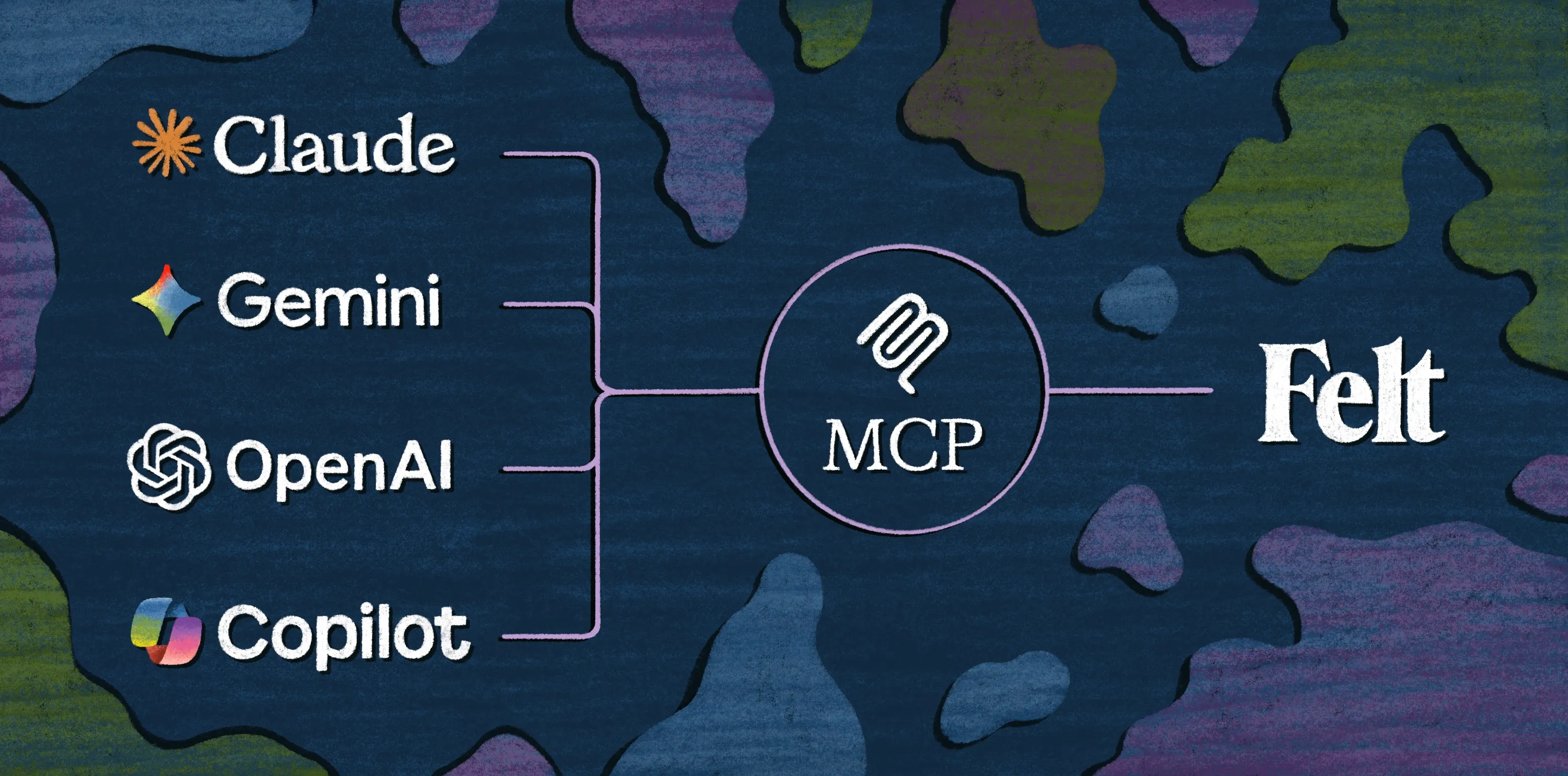
Whether your team runs on Claude, ChatGPT, Gemini, Microsoft Copilot, or any other MCP-compatible agent, it can now build Felt maps from a prompt: pulling layers from your warehouse, running spatial SQL, applying styles, and publishing a live URL anyone on your team can open.
Build a multi-layer map with a single prompt
Step 1: Ingesting internal data
"Pull our portfolio facilities table from Databricks and plot the active power generation assets on the map."
Step 2: Acquiring external hazard data
"Search the web for FEMA's National Risk Index and import the risk scores for all US counties as a new map layer."
Step 3: Conducting the spatial analysis
"Run a spatial join between our facilities layer and the FEMA risk index layer. Calculate the exposure and group the facilities into four risk tiers: Critical, Elevated, Moderate, and Low."
Step 4: Automating the output
"Summarize the results showing how many facilities are in the top two risk tiers, and send a message with the attached map to the #infrastructure-risk channel on Slack."
One prompt. One living map the whole team can open and edit, with no GIS tool in the loop on the human side.
Built for how agents actually work
The output is a living map, not an API response.
Most spatial tools hand your agent raw data (coordinates, geocodes, GeoJSON) and leave the hard part to you. Felt hands your team a URL, and opening it puts them inside the same collaborative editing environment they would have used to build the map by hand.
It authors analysis from scratch.
Other platforms ask someone to pre-build workflows in a UI before an agent is allowed to run them. The Felt MCP doesn't need that scaffolding. It reads schemas, writes its own SQL, generates new layers, and styles them as it goes, starting from whatever the user typed.
Maps at the scale of your data, not your model.
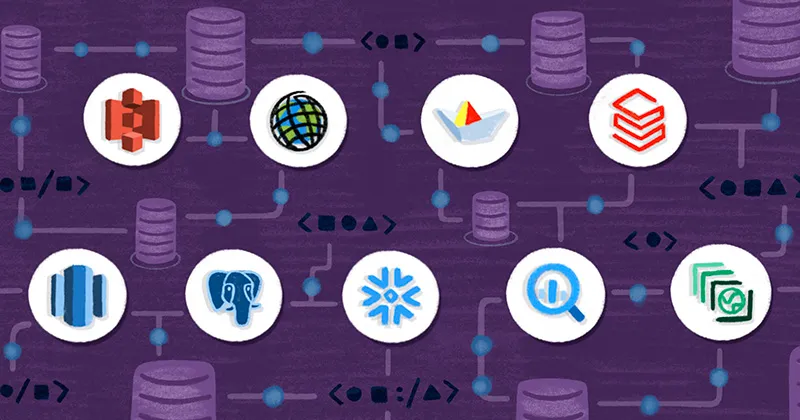
An LLM's context window tops out at a few thousand rows of structured data. Your warehouse holds millions or billions. The MCP connects natively to Snowflake, BigQuery, Databricks, Postgres, and Redshift, so your agent writes SQL against the source, Felt renders the result, and the data stays where it already lives. Mapping a million points takes the same prompt as mapping a thousand.
Model-agnostic by design.
The same MCP endpoint serves Anthropic's Claude, OpenAI's ChatGPT, Google's Gemini, and Microsoft Copilot. Whichever model your organization standardizes on, and whichever it picks up next, the spatial layer doesn't change. You choose the agent for the task instead of the other way around.
Cloud-native and remote-first.
There's nothing to install and no local bridge to maintain. The MCP is a hosted endpoint your agent reaches from wherever it's running, whether that's Claude.ai, your IDE, or a Slack bot.
The permissions you've already configured carry through.
When an agent acts in Felt, it inherits the permissions of the user it's acting for. It can only see what they can see, only edit what they can edit, and any map it produces is governed by the same workspace controls you'd apply if you'd built it yourself. Adding agents to your stack doesn't add a new surface area for IT to manage.
Humans stay in the loop because the map is right there.
Every action the agent takes produces a visible, editable artifact. You don't have to trust the output sight unseen; you can scroll, click, filter, and hand the map to a colleague who does the same.
A full GIS, callable from any prompt
With Felt's MCP, you get around 30 tools covering the full spatial workflow.
- Make maps. Create, update, and organize maps and projects.
- Bring in data. ArcGIS services, WMS, GeoJSON, Shapefiles, your workspace library, Felt's curated public library, or your cloud data sources.
- Write SQL. Query Snowflake, BigQuery, Databricks, Postgres, or Redshift. Dialect-aware guidance is built in, so the agent doesn't have to guess.
- Run spatial analysis. Query layers already on the map, join them, filter them, and generate new layers from the results.
- Style automatically. Categorical, numeric, heatmap, H3. All in Felt Style Language, with no hand-authored JSON.
- Collaborate. Pins, routes, polygons, and notes via GeoJSON. Permissions are inherited from your workspace, so anything the agent produces is immediately shareable under the access controls you already have.
Because it's MCP, it composes with the rest of your stack. An agent can pull a lead list out of HubSpot, build a territory map in Felt, and drop the link in Slack inside a single session.
Mapping becomes a default, not a destination
With MCP, spatial work happens alongside the rest of your agent's work, in the same session and at the same pace. The map isn't a separate artifact your team has to wait on. It's just another thing your AI built while it was solving a problem.
.webp)
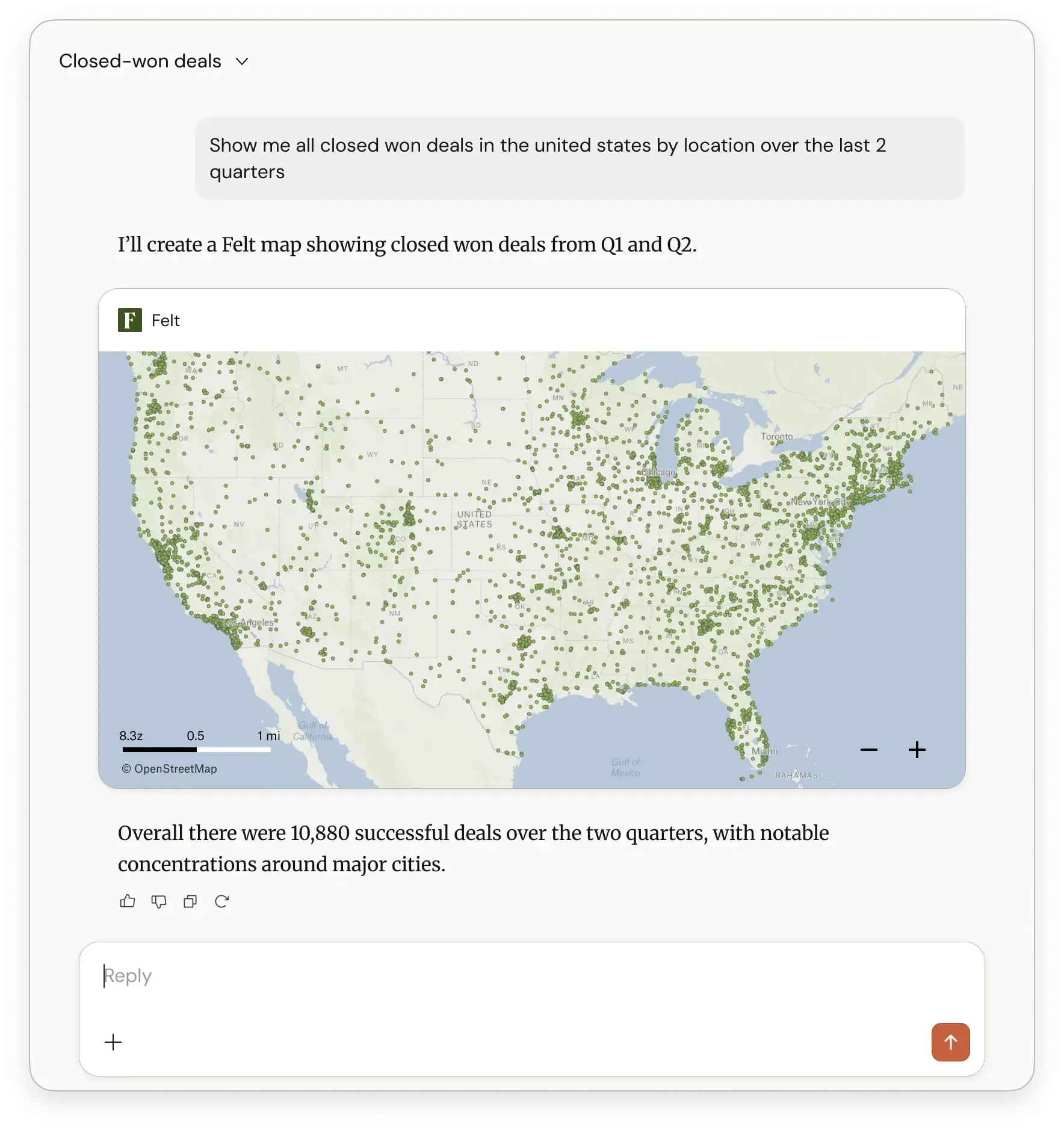
Every AI agent in your organization now has a full GIS behind it. Which means every person working with one does too. Ops teams get situational maps without opening a ticket. Sales teams turn "show me closed-won deals by region over the last two quarters" into a live territory map, not a Salesforce export. Analysts turn natural language into interactive geographic apps inside the same chat they were already using for everything else. Developers ship products with real maps built into them.
We expect to be shocked by what people build on top of this. We want to see it.
The Felt MCP Server is live today for enterprise workspaces. Get in touch.
Compare Felt using AI




.jpg)